Search
There are two different search overlays, bound to different shortcuts — worth knowing apart since they do different things.
Command palette (Ctrl/Cmd+K)
Section titled “Command palette (Ctrl/Cmd+K)”A quick-jump overlay listing available actions and the keyboard shortcuts that are live on the current page — search, albums, people, and app commands, all from one box:
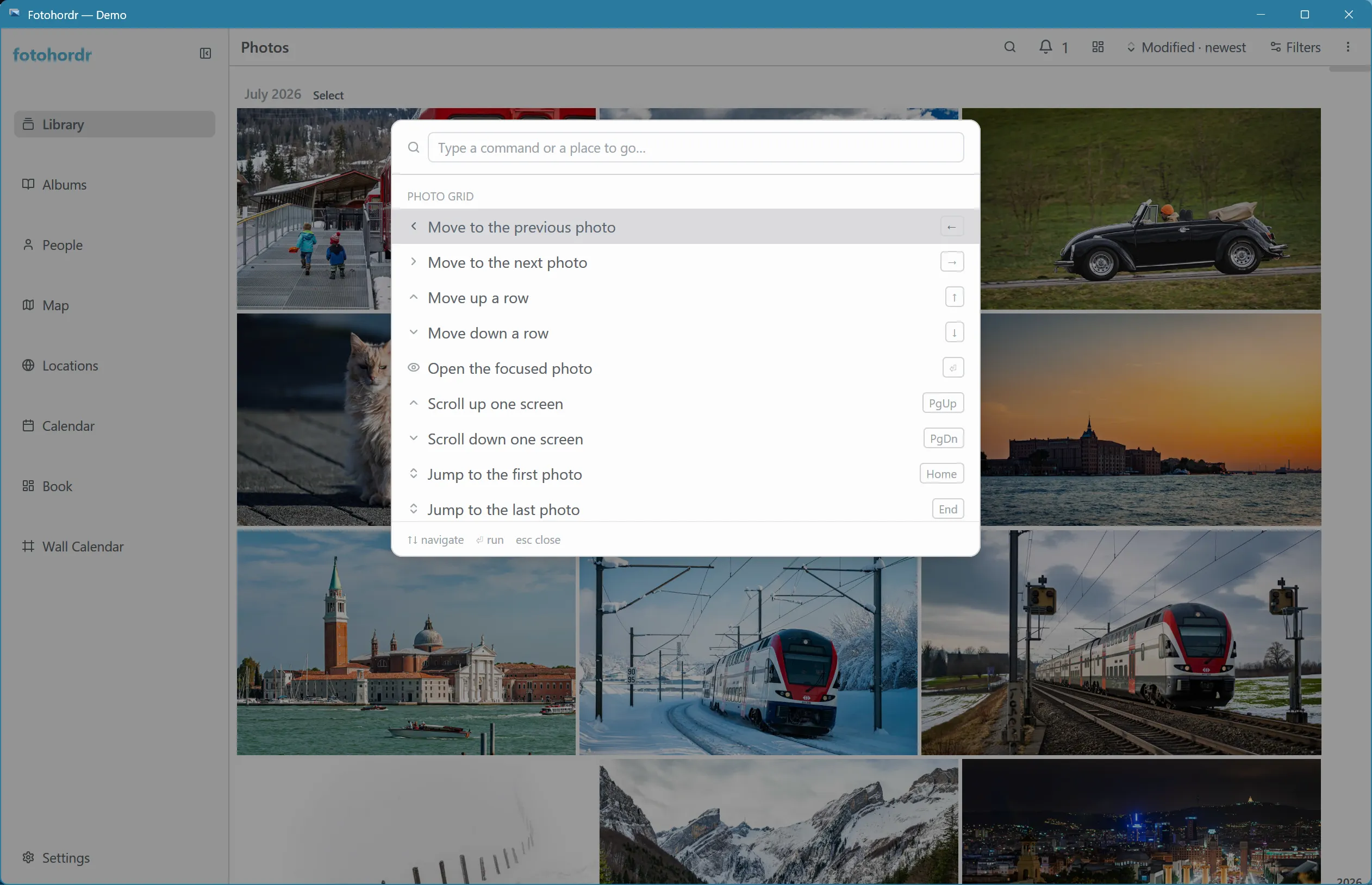
The list at the top adapts to context: the shortcuts shown over the photo grid differ from those shown over a list page like Collections, since the palette always reflects what’s actually usable right now.
Query-language search (Ctrl/Cmd+F)
Section titled “Query-language search (Ctrl/Cmd+F)”For structured filtering — combining several conditions in one expression — open the query palette. It uses a small, PRQL-style filter language with live autocomplete for column names, camera models, folder paths, people, albums, and place names as you type:
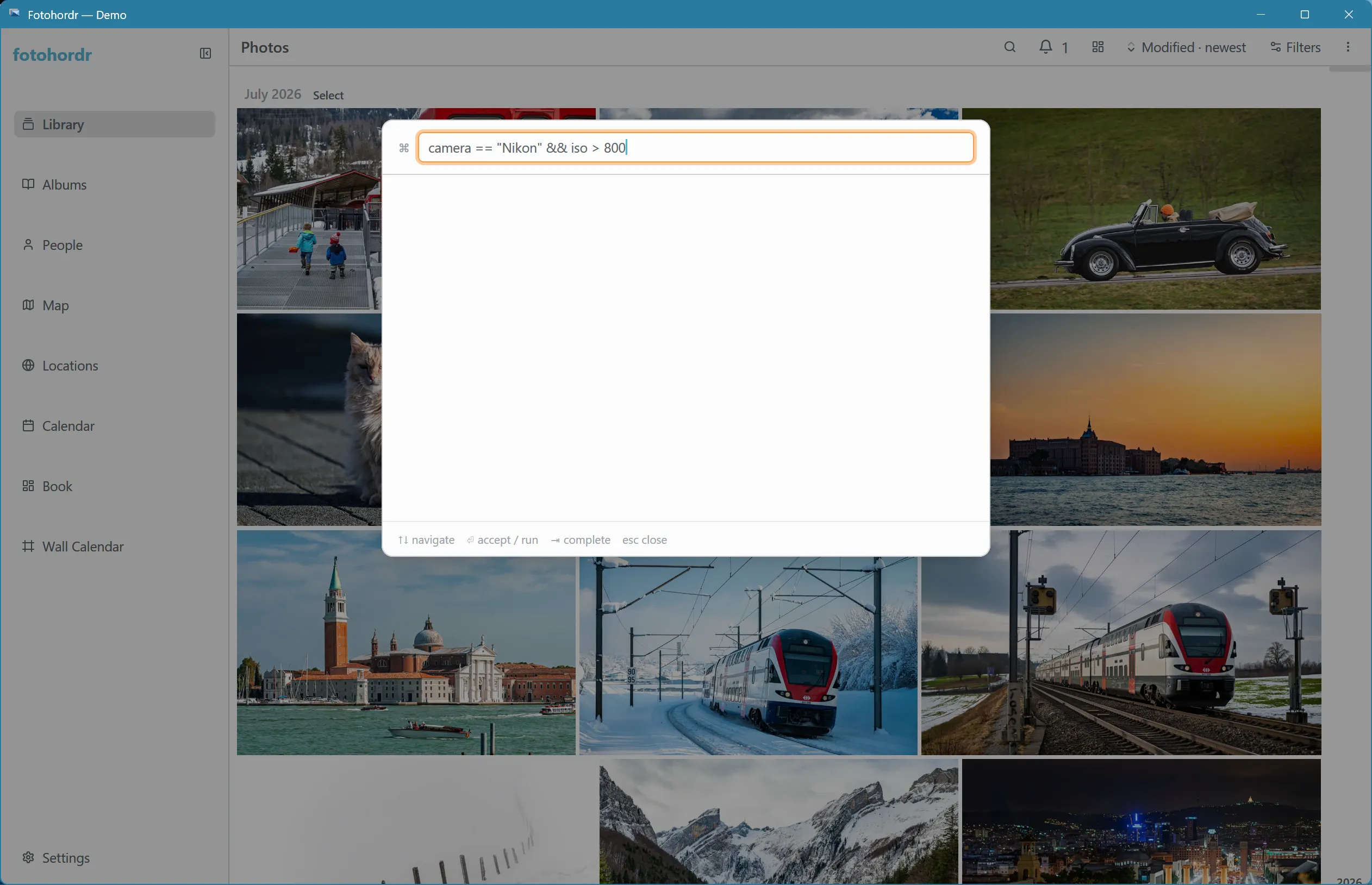
Some examples of valid expressions:
camera == "Nikon" && iso > 800taken_at < @2012-01-01has_location && !has_summary || has_facesiso in 800..3200Bare words that don’t parse as a structured filter fall through to semantic search instead, so typing an ordinary phrase (rather than a filter expression) still searches your library by content rather than producing an error.