People
Fotohordr can detect and group faces across your library entirely on-device — no photo or face data is sent anywhere to do this. Detected faces are clustered automatically into likely-same-person groups; you name the ones you care about, and unnamed clusters simply stay unlabeled.
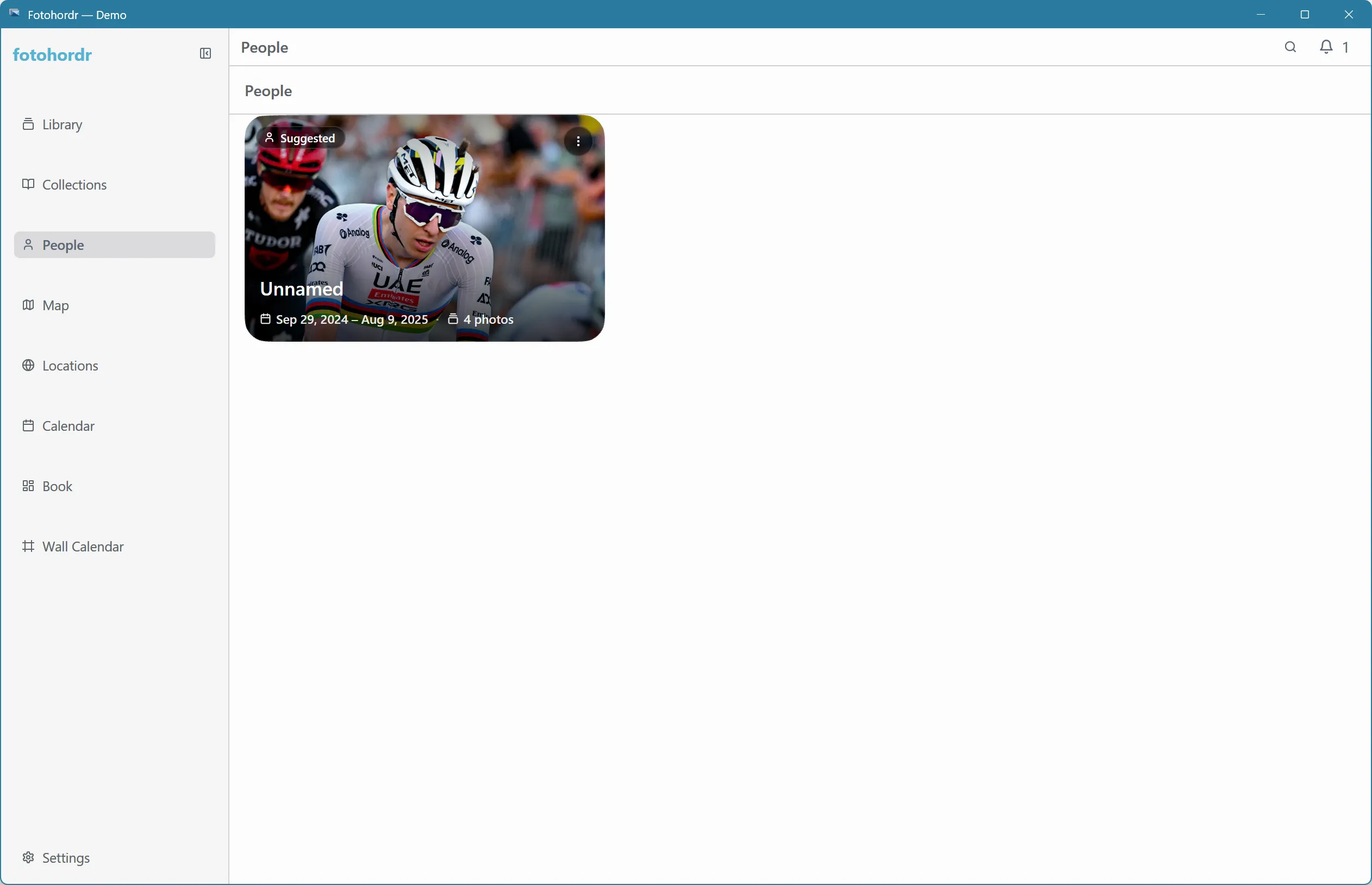
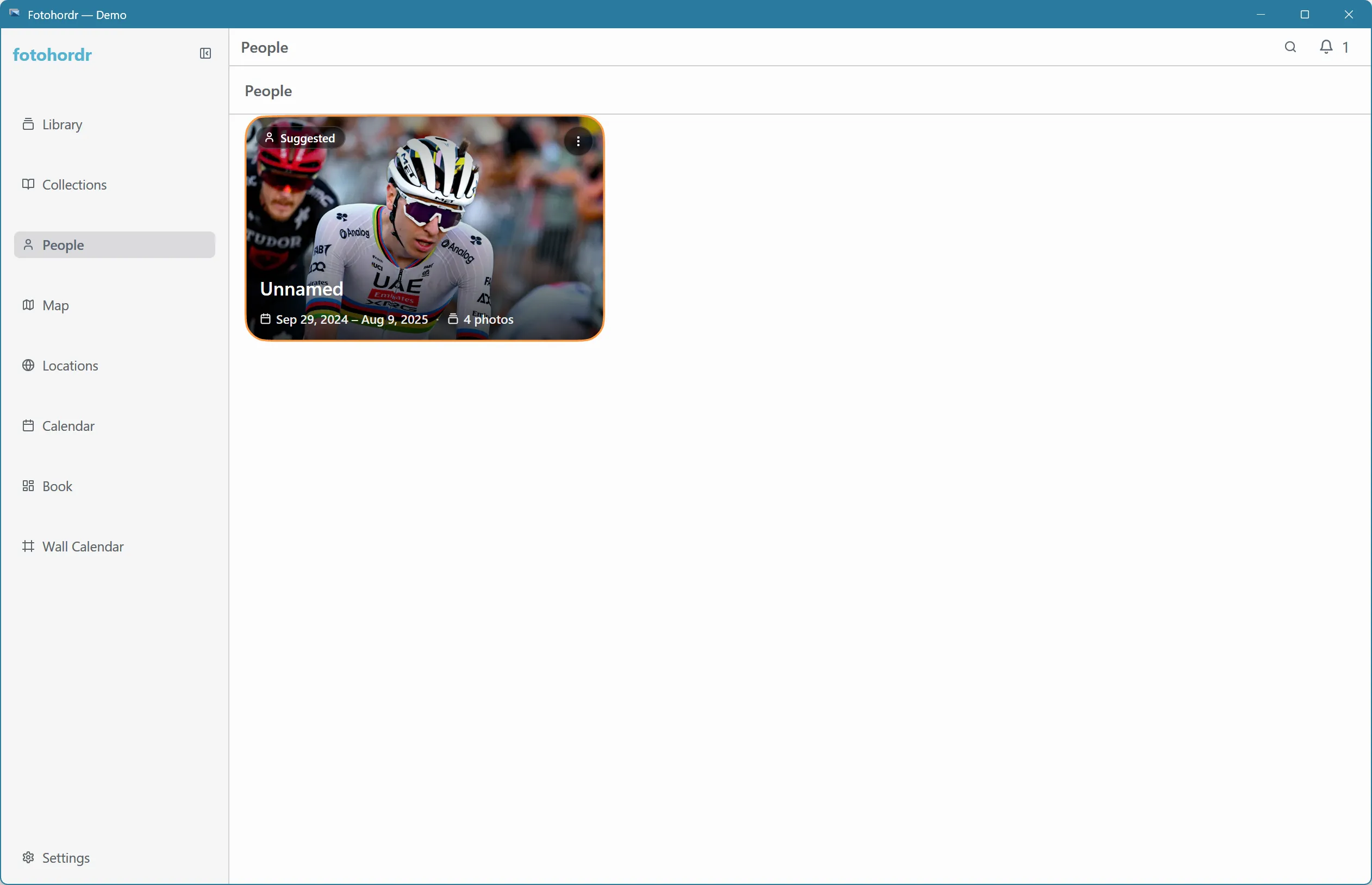
Cards support the same keyboard/D-pad navigation as every other grid in the app — arrows move between people, Enter opens one:
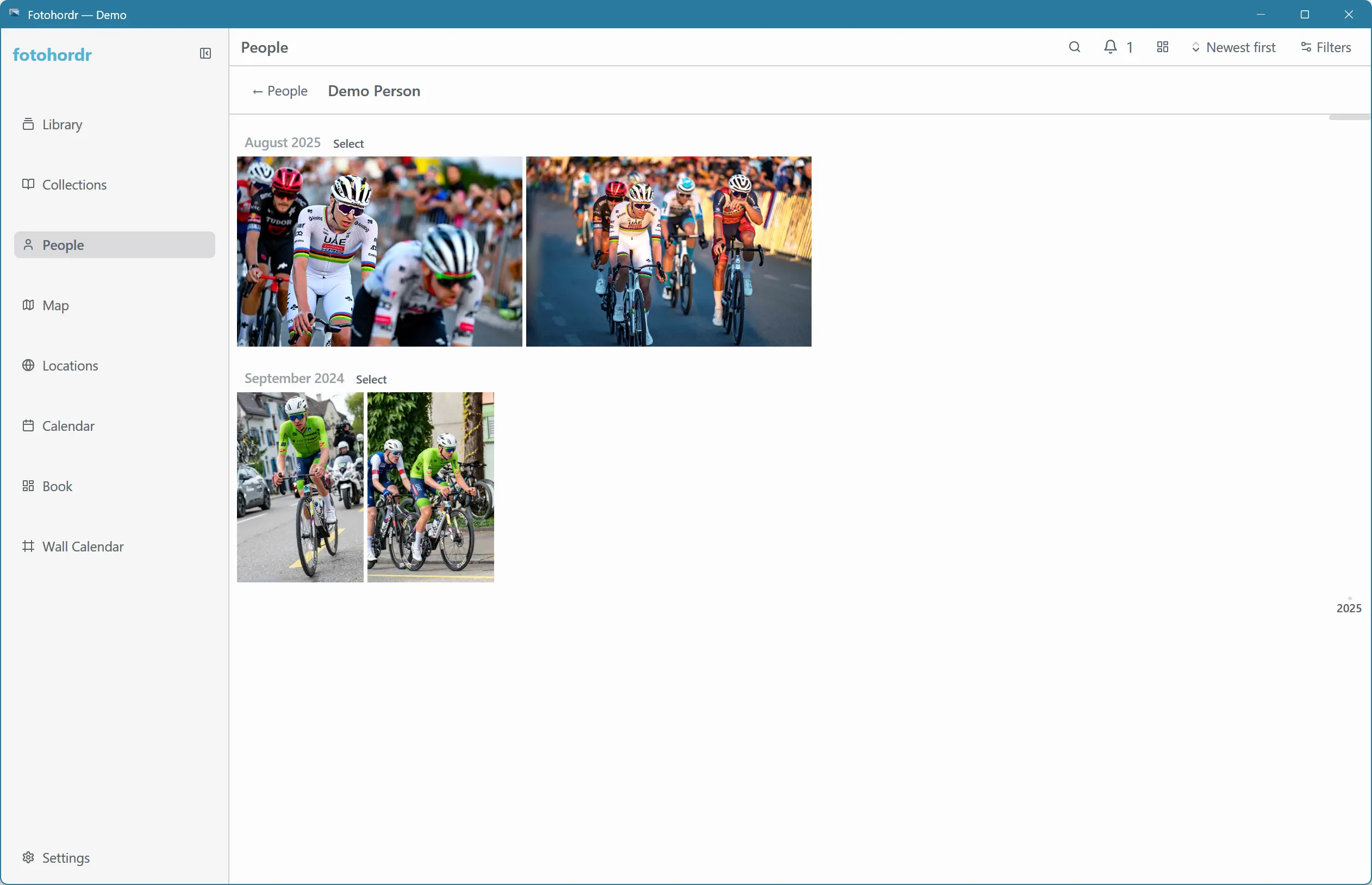
Opening a person shows every photo they appear in, using the same grid, sorting, and filtering as the main Library:
Face detection runs as part of the normal import/index pipeline — it isn’t a separate step you have to trigger, though it can be turned off entirely in Settings → Analysis if you’d rather not have it run at all.