Introduction
Fotohordr is a local-first photo manager: it scans folders on disk, builds fast previews, and gives you a searchable, browsable library — with optional on-device face recognition, offline reverse geocoding, AI photo summaries, and secure remote access from other devices. Nothing has to leave your own hardware; cloud AI providers are opt-in, not required.
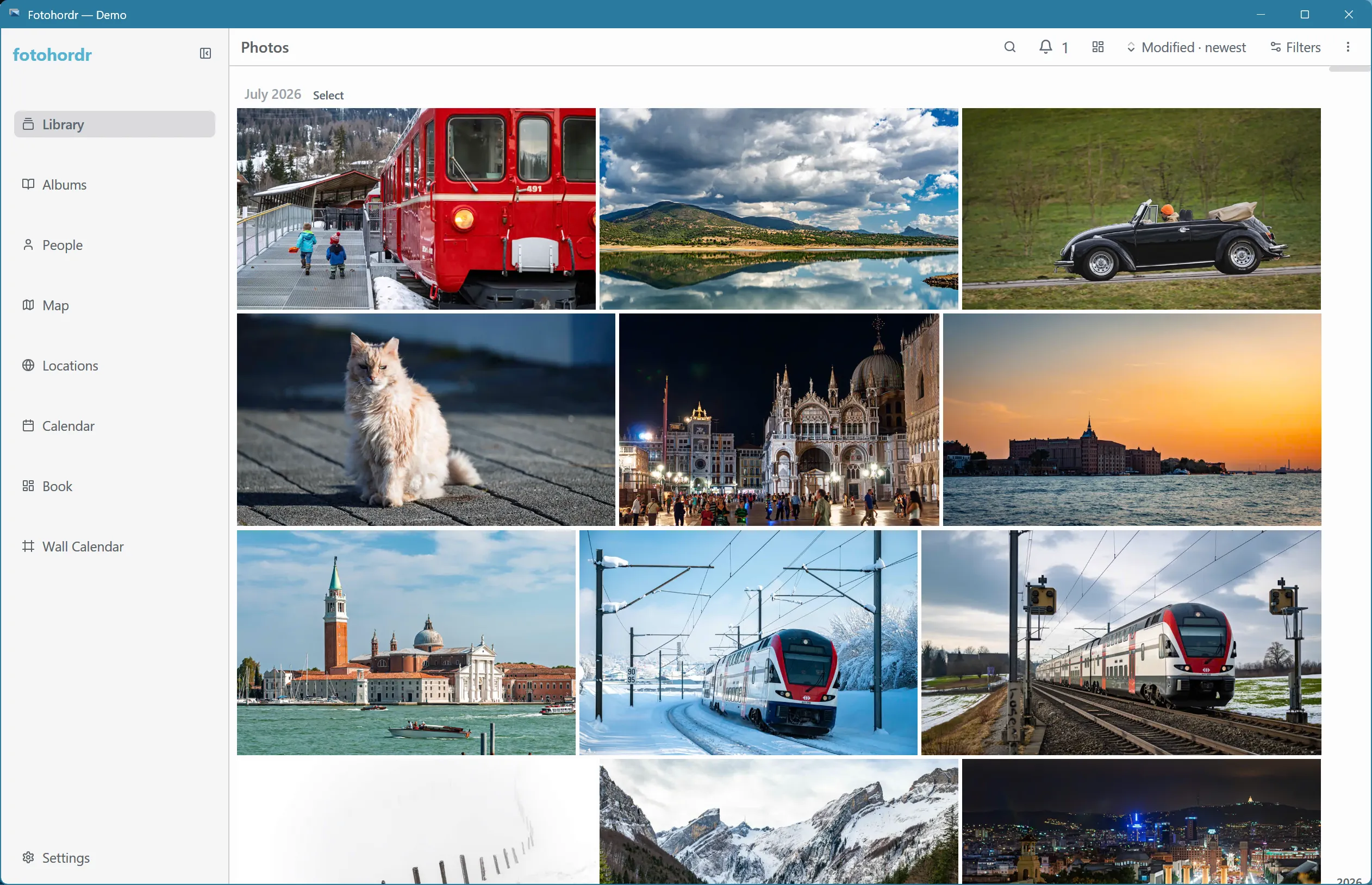
Two ways to run it
Section titled “Two ways to run it”- Standalone desktop app — the backend and the UI run in one process on your own machine. Simplest option for a single computer. See Standalone Desktop App.
- Docker-hosted server — a headless server (typically on a NAS or a small always-on machine) holds the library, and one or more desktop, Android, or browser clients connect to it — on the LAN or over the internet. See Docker-Hosted Server and Connecting a Client.
Both shapes share the same UI and the same feature set below; the only difference is where the library actually lives.
What’s in this manual
Section titled “What’s in this manual”- User Manual — the library grid, the photo viewer, search, albums, diary entries, people, locations, downloading, AI summaries, and the Settings pages.
- Administration — pairing additional devices to a server, and backing up / restoring a library.
This manual doesn’t cover the photo-book or wall-calendar print-product builders — those are separate, larger features documented elsewhere.