Collections (Albums & Diary)
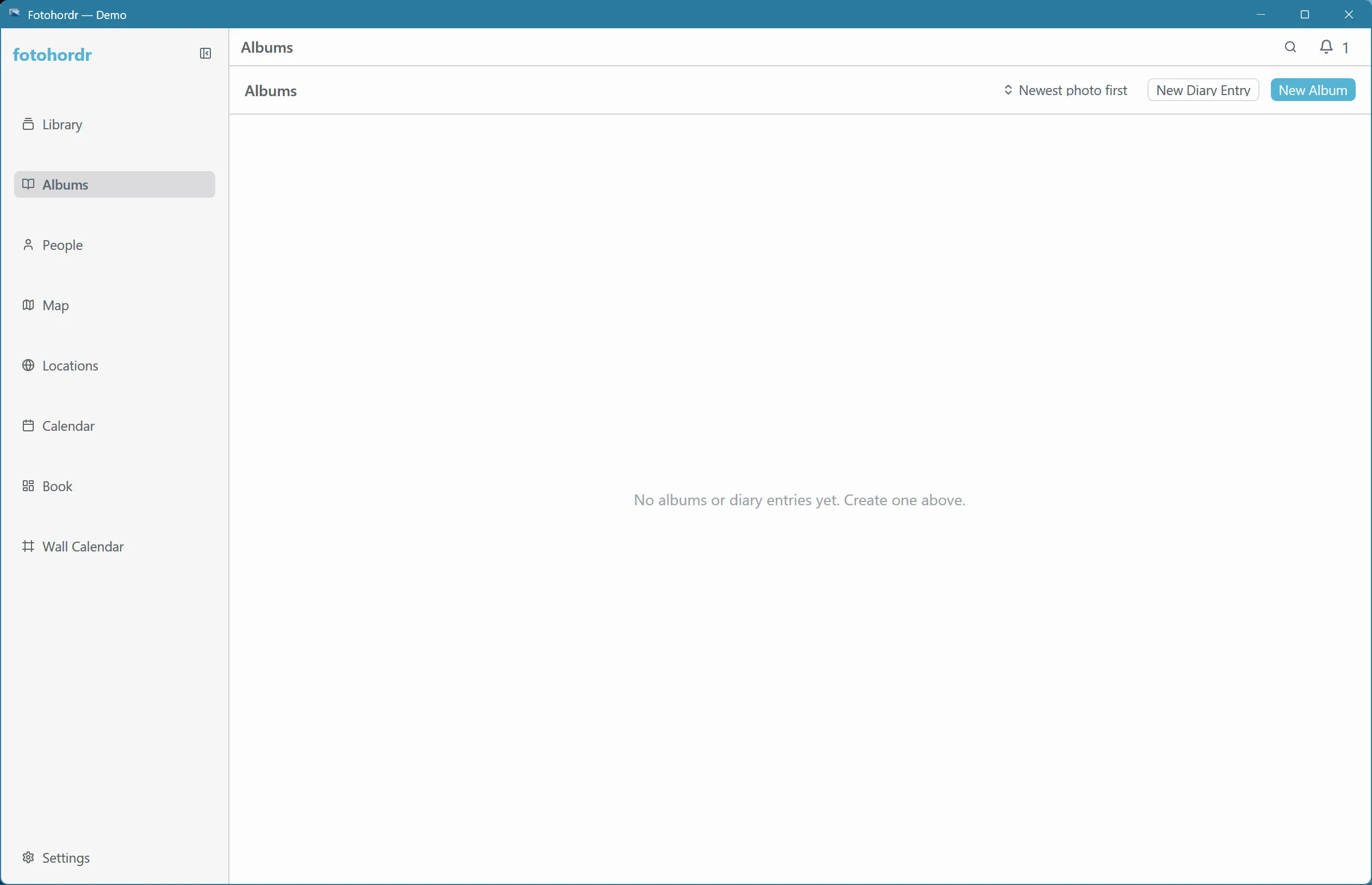
The Collections page holds your albums and diary entries side by side.
Albums
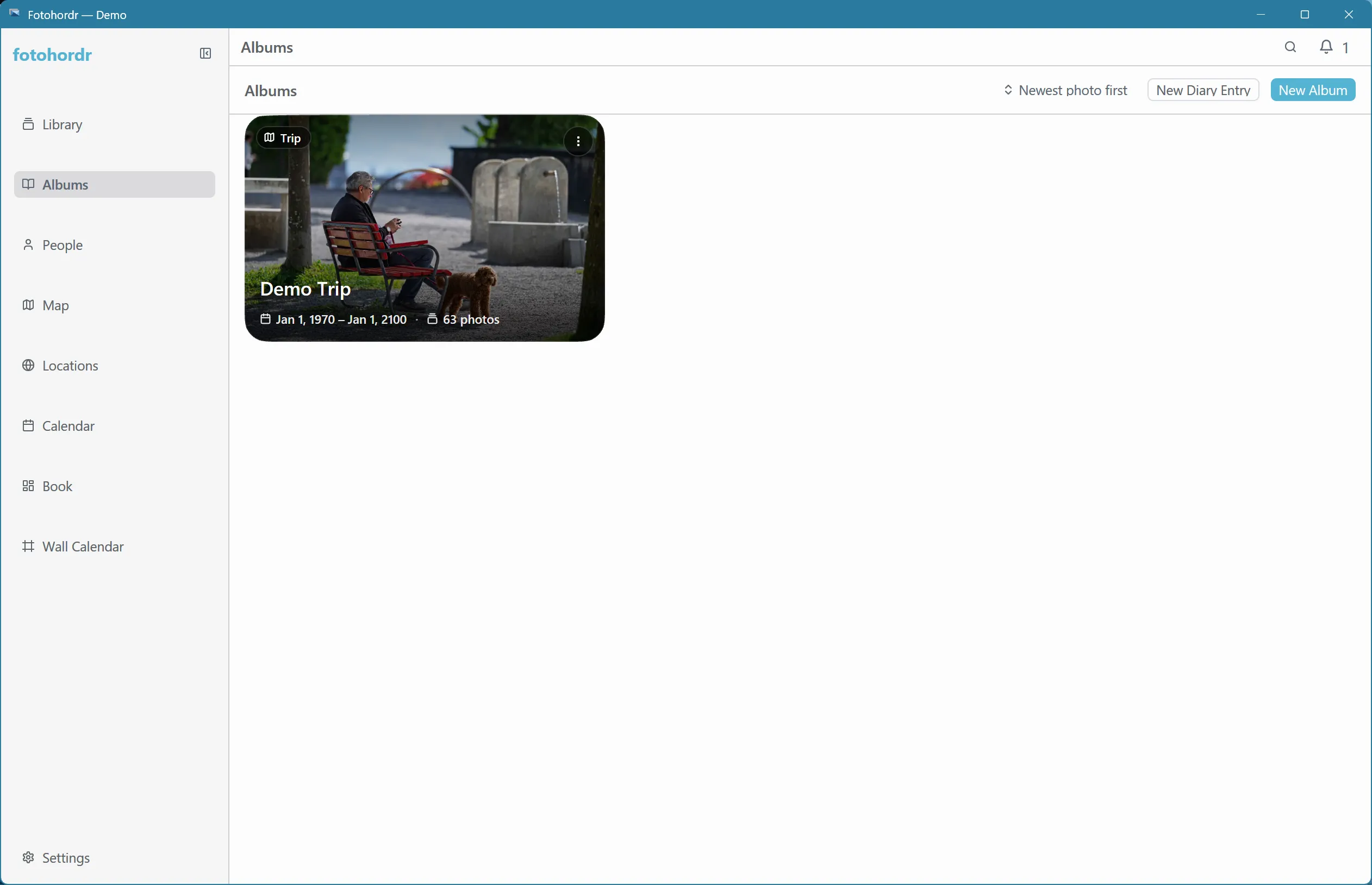
Section titled “Albums”Collections lists every album, with a live preview of its contents:
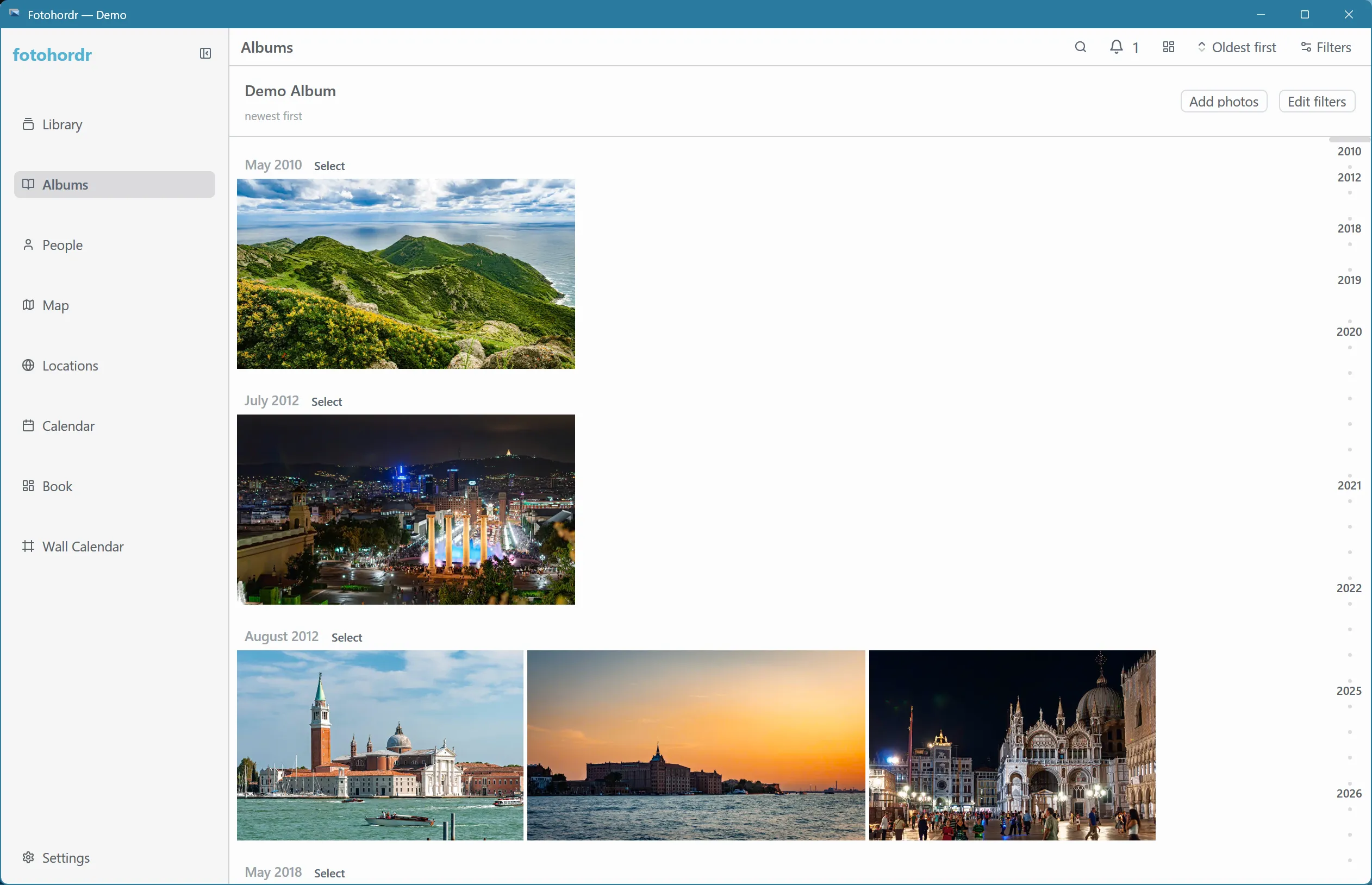
Opening an album shows its photos in the same grid used everywhere else in the app — sorting, grouping, and filtering all work the same way as the main Library:
An album can be a plain, manually curated set of photos, or a dynamic album backed by a saved search query — its contents update automatically as your library changes, without anyone re-adding photos by hand.
Diary entries
Section titled “Diary entries”Diary entries are dated notes — with an optional time range and a set of attached photos — that live alongside albums on the Collections page:
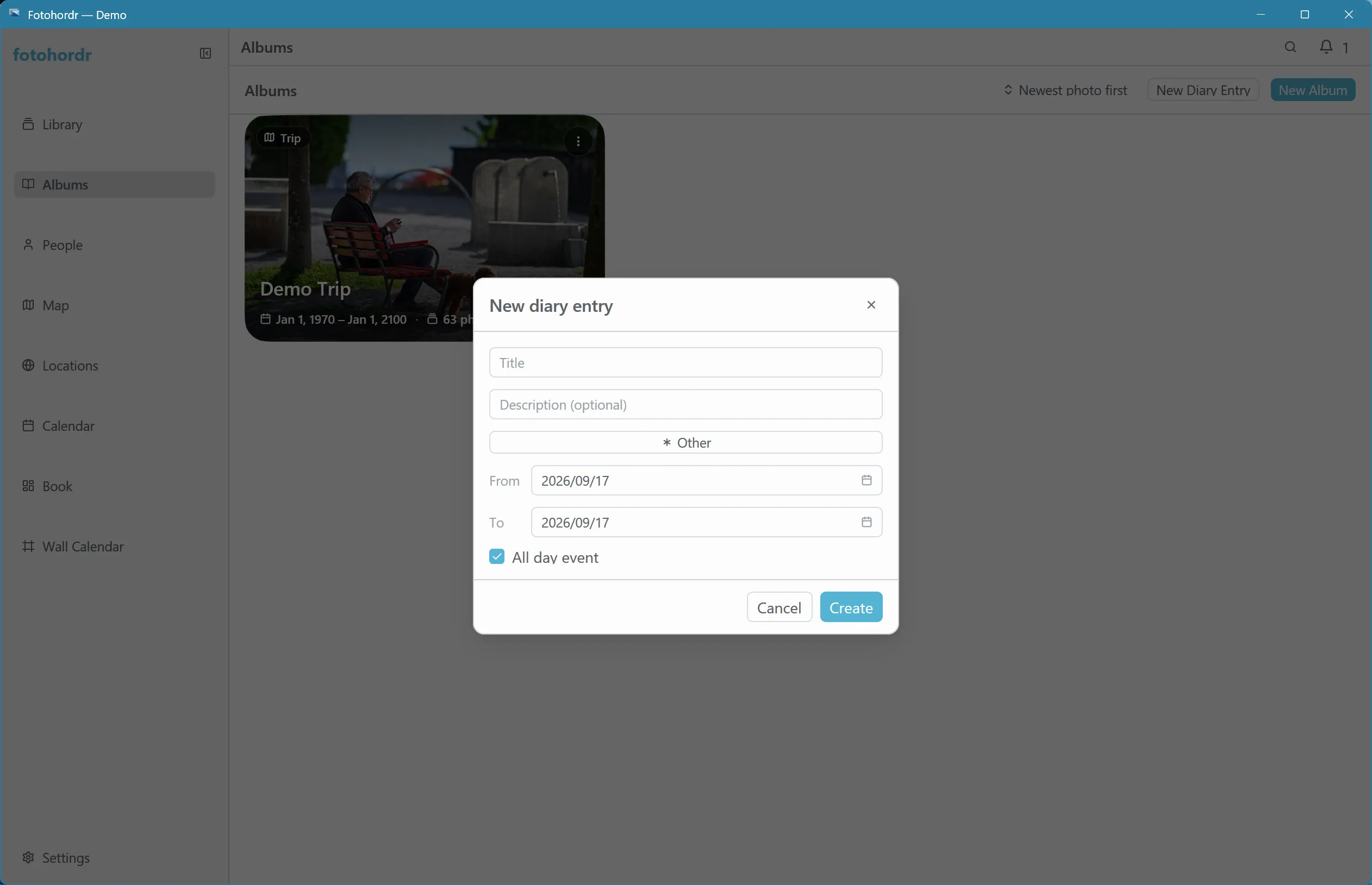
Creating one opens a simple form: a title, a date (defaulting to an all-day event), and optionally a photo selection.
Unticking “All day event” reveals start and end time pickers, each with a scrollable 15-minute dropdown:
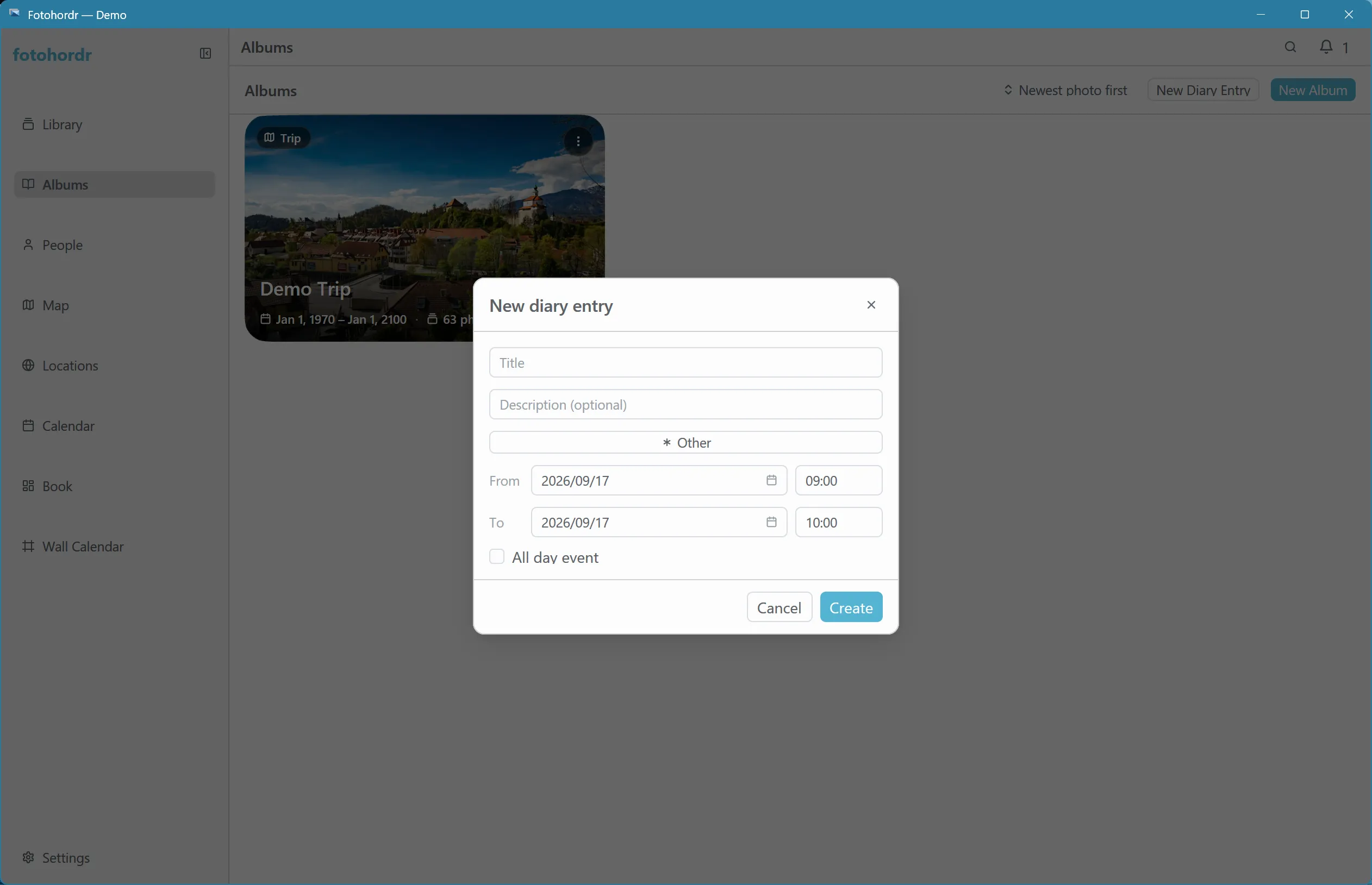
Diary entries are useful for trip logs, events, or anything you want pinned to a specific date range rather than left to whatever the photos’ own timestamps imply.