Viewing Photos
Opening a photo from any grid brings up the full-screen viewer. It has a few display modes, cycled from the on-screen controls or their shortcuts.
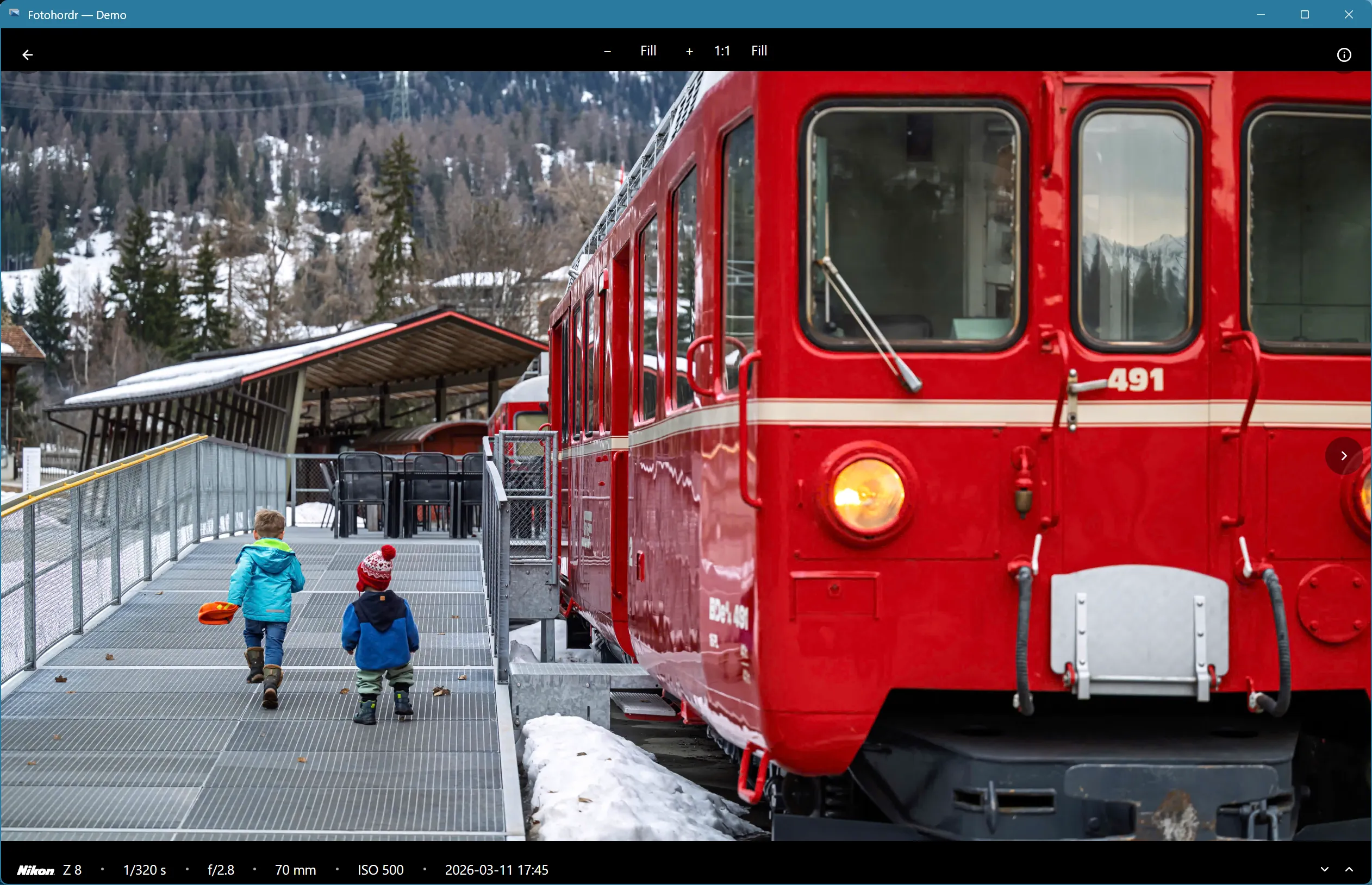
Overlay mode
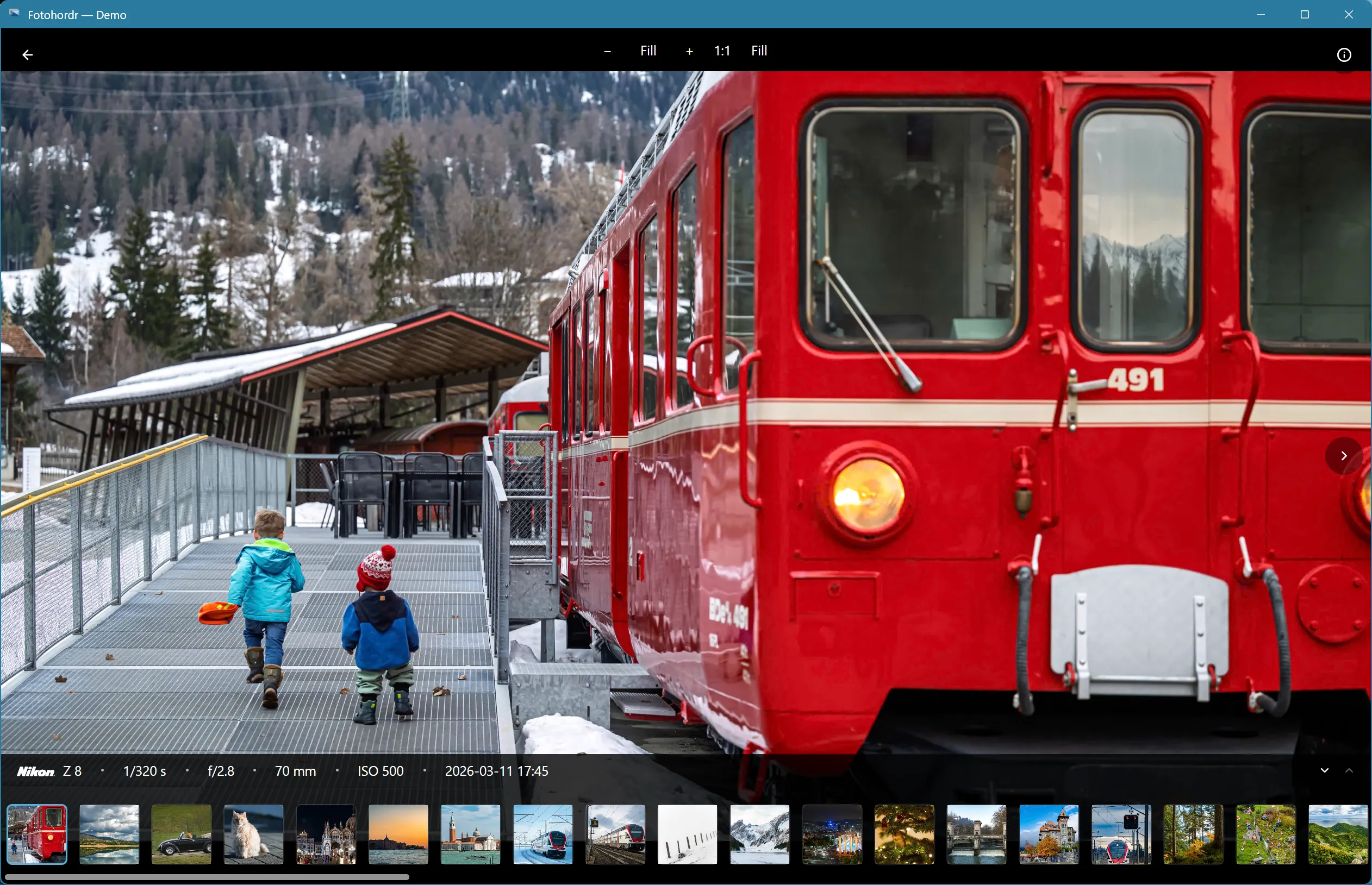
Section titled “Overlay mode”Shows the photo with a translucent overlay of key EXIF details (camera, date, location) and the viewer controls:
Fullscreen mode
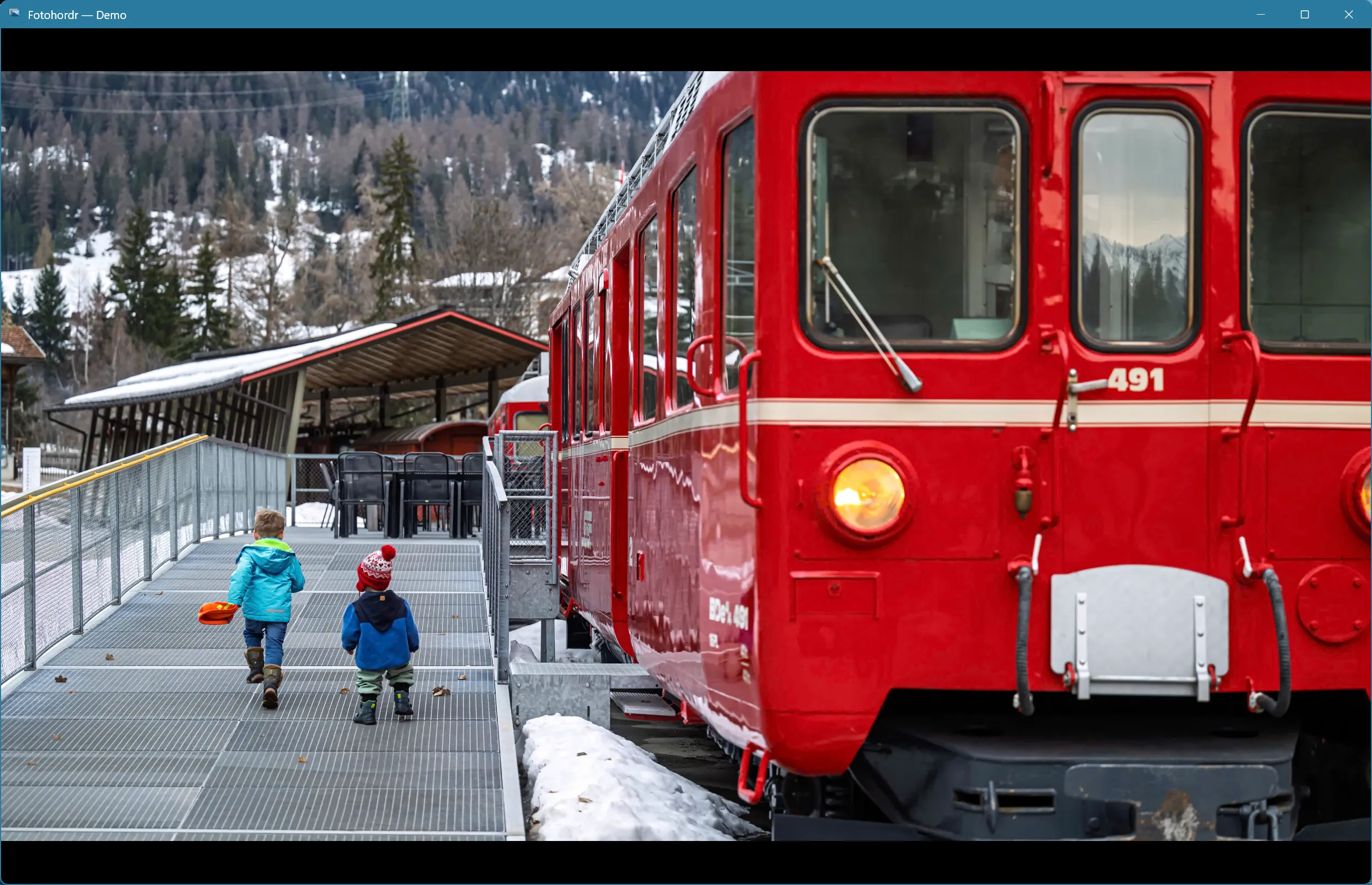
Section titled “Fullscreen mode”Hides all chrome — just the image, for distraction-free viewing or a projector/slideshow:
Full EXIF details
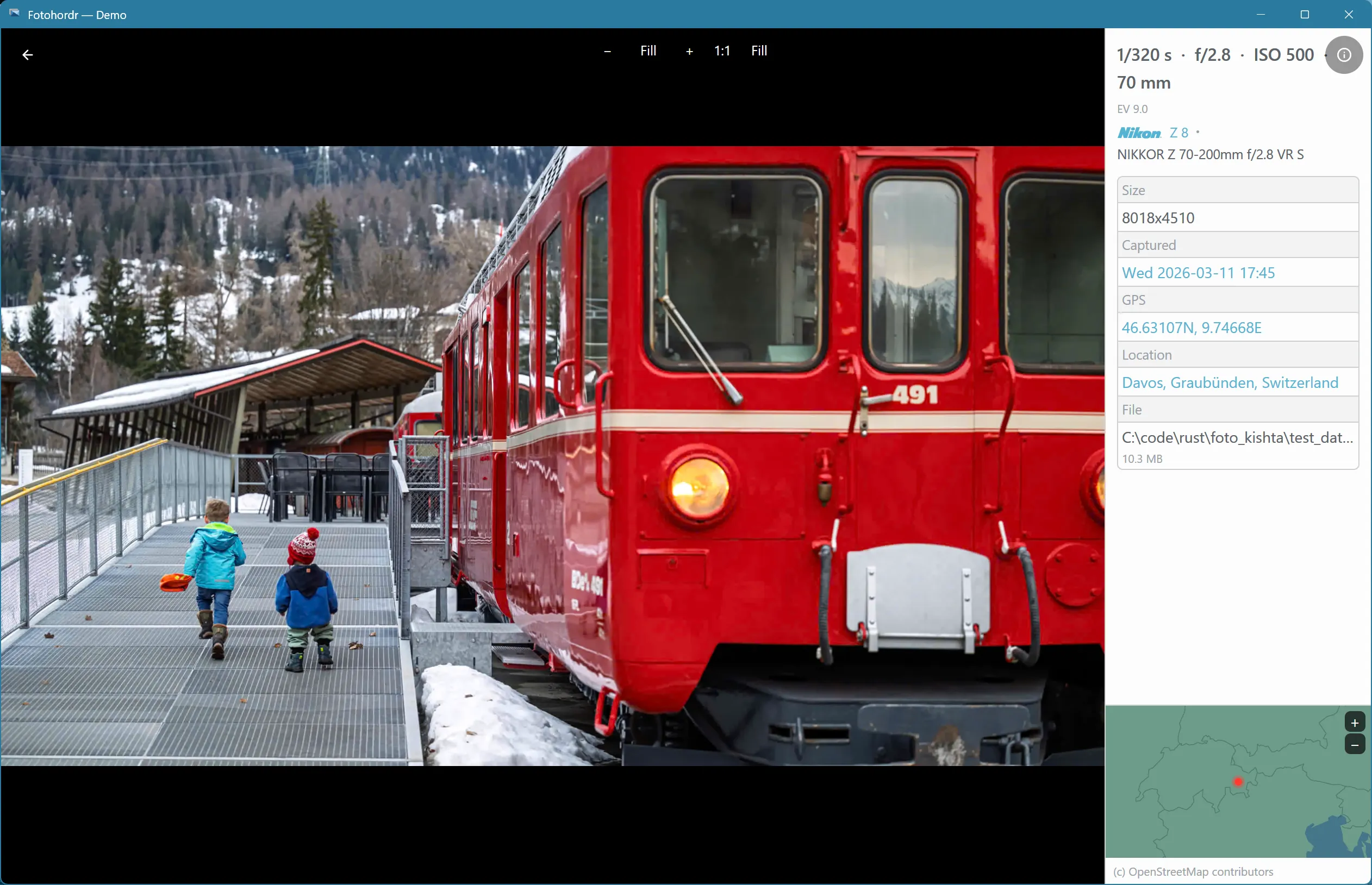
Section titled “Full EXIF details”A side panel with the complete metadata: camera, lens, exposure settings, GPS coordinates, and file information.
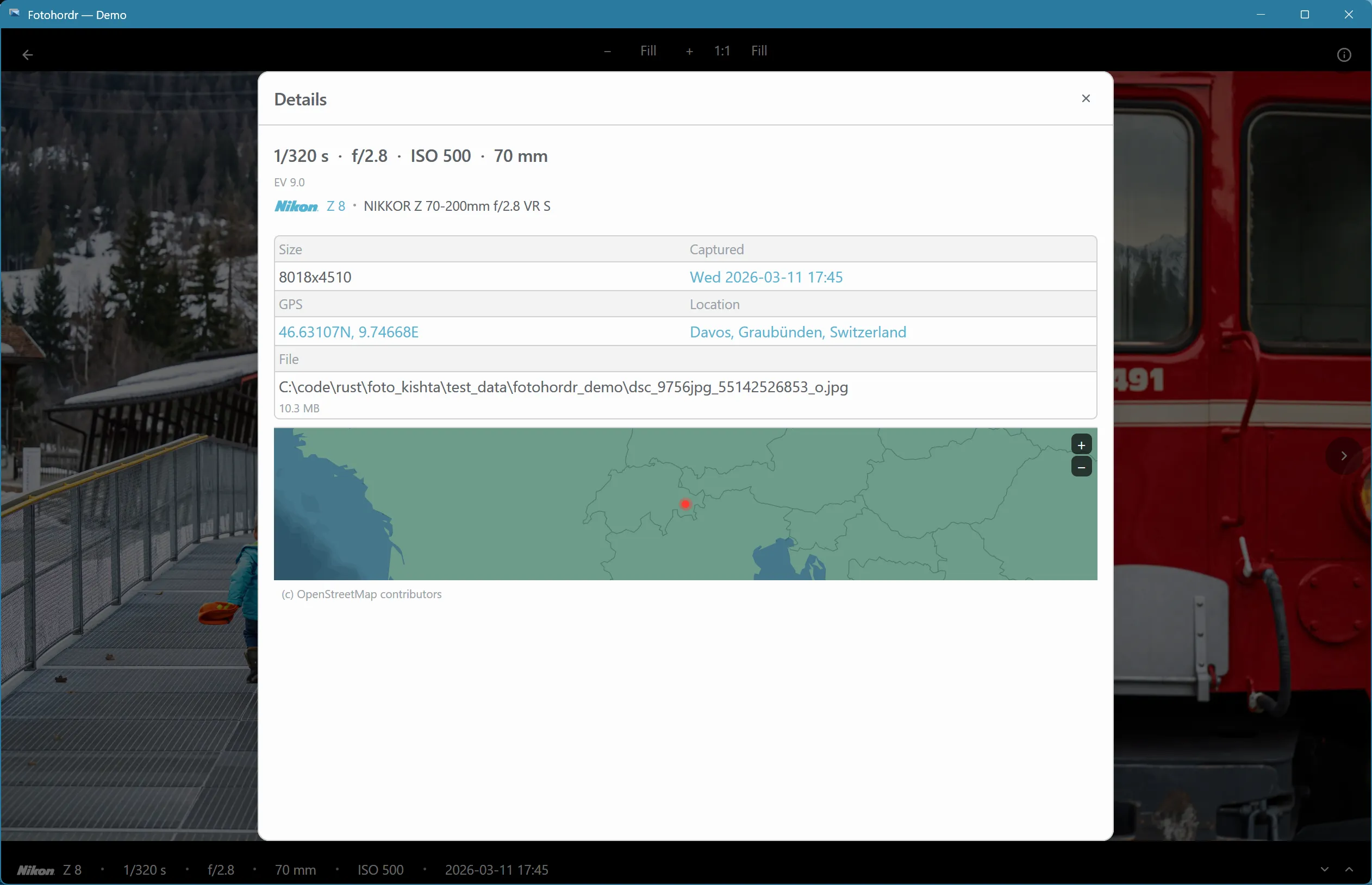
The same information is also available as a two-column modal, useful on narrower windows:
The filmstrip
Section titled “The filmstrip”A scrollable strip of nearby photos along the bottom, so you can move through a roll without returning to the grid each time:
Downloading from the viewer
Section titled “Downloading from the viewer”Select multiple photos from the grid before opening one to bring up the multi-photo download dialog instead.