Standalone Desktop App
The standalone app runs the backend (library scanning, preview rendering, search) and the UI in one process on your machine. This is the simplest way to run Fotohordr if you only ever use it from one computer.
Installing
Section titled “Installing”Windows — download and run the installer (Fotohordr-win-Setup.exe).
It installs to your user profile and self-updates in the background on
later launches; no admin rights are needed.
macOS / Linux — there’s no packaged installer yet. Build and run from source:
cargo run --release -p fotohordr_standaloneFirst launch
Section titled “First launch”The first time Fotohordr opens with no photo library configured yet, it shows a welcome screen and asks you to add your first folder:
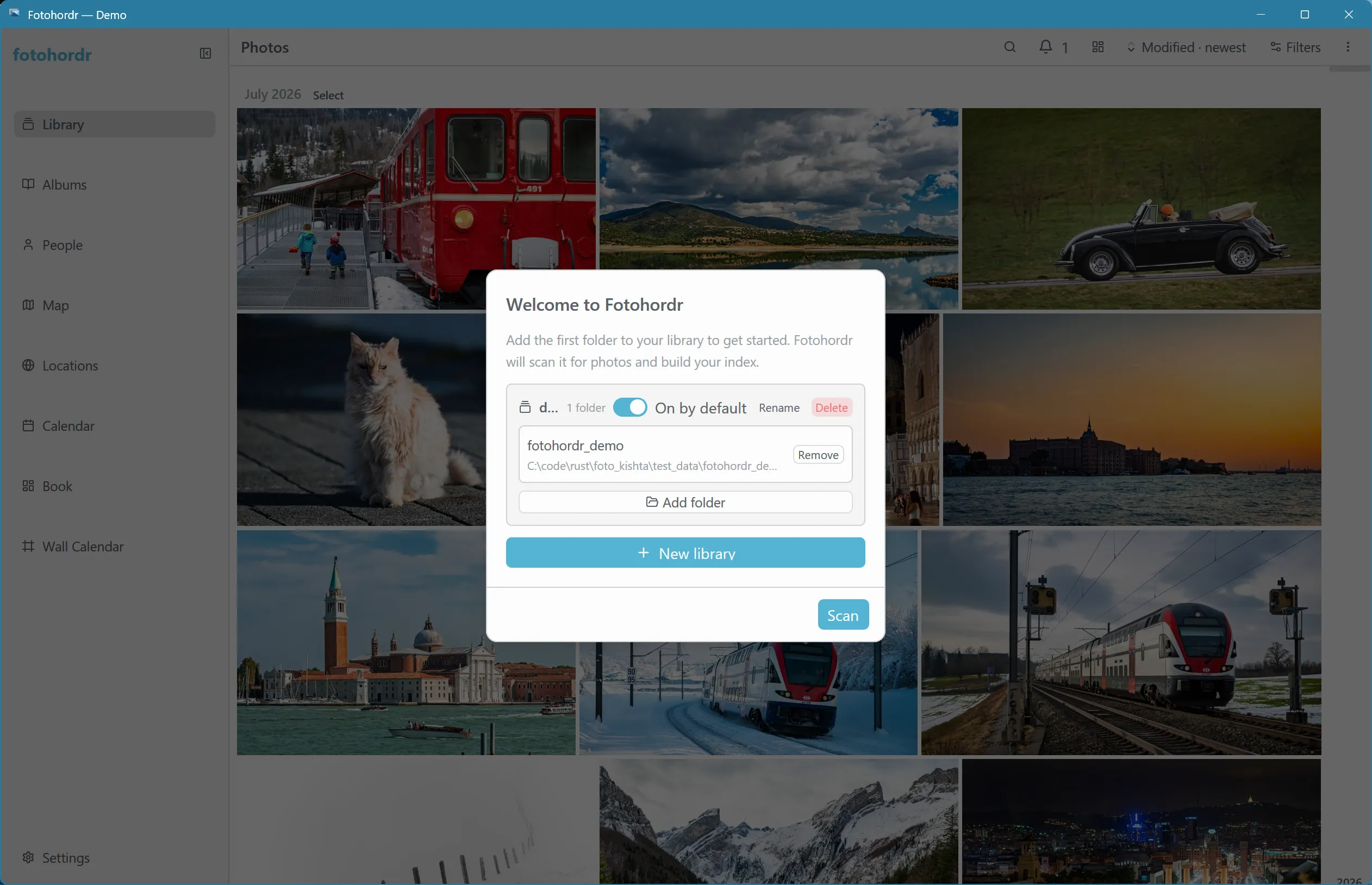
Choose a folder and select Scan — Fotohordr indexes it in the background and the library grid fills in as previews render, from newest photo to oldest. You can add more folders at any time from Settings → Libraries. If you skip this step, the same folder picker is always reachable from there later.
Once at least one folder exists, this welcome screen never appears again — even after an update — so it’s safe to close the app before a scan finishes and pick up where you left off next launch.
Where your data lives
Section titled “Where your data lives”Everything Fotohordr knows about your library — the index, previews, face clusters, albums, diary entries, and (if you pair other devices) the P2P identity and paired-device list — lives in one local database file. Nothing is uploaded anywhere unless you explicitly turn on a cloud AI provider (see AI Photo Summaries) or pair a remote device (see Remote Access & Pairing).
Next steps
Section titled “Next steps”- Walk through the User Manual to see what the app can do.
- If you want to access this same library from a phone or another computer, see Connecting a Client — the standalone app can act as the host for other devices without needing a separate server.