Library & Browsing
The Library page is where you land by default: every photo from every configured folder, in one continuous grid.
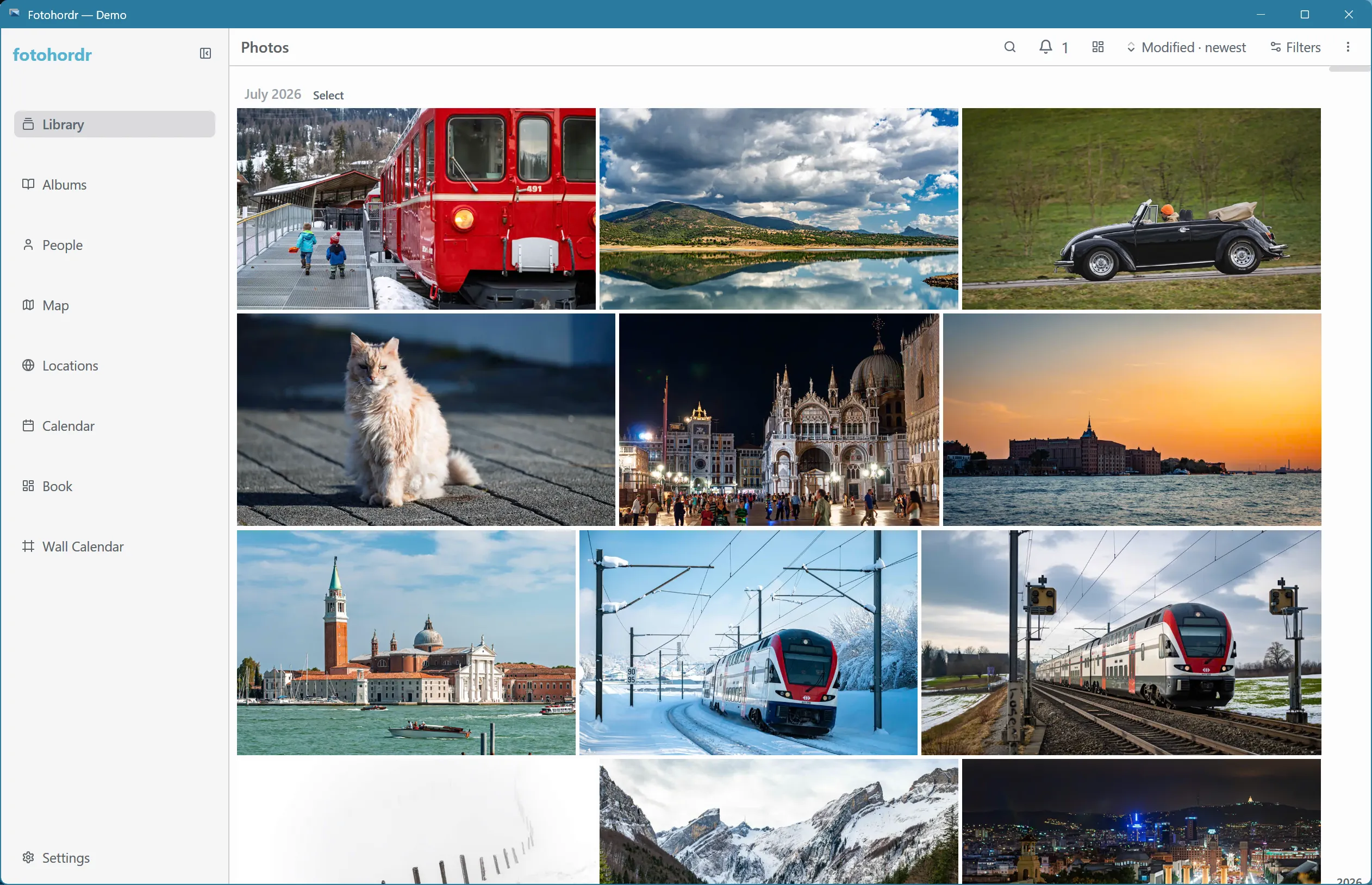
Photos are grouped by date automatically — the grouping tightens or loosens depending on how many photos fall on nearby days, so a busy week gets its own headings while a quiet stretch is grouped by month instead of producing dozens of near-empty day headers.
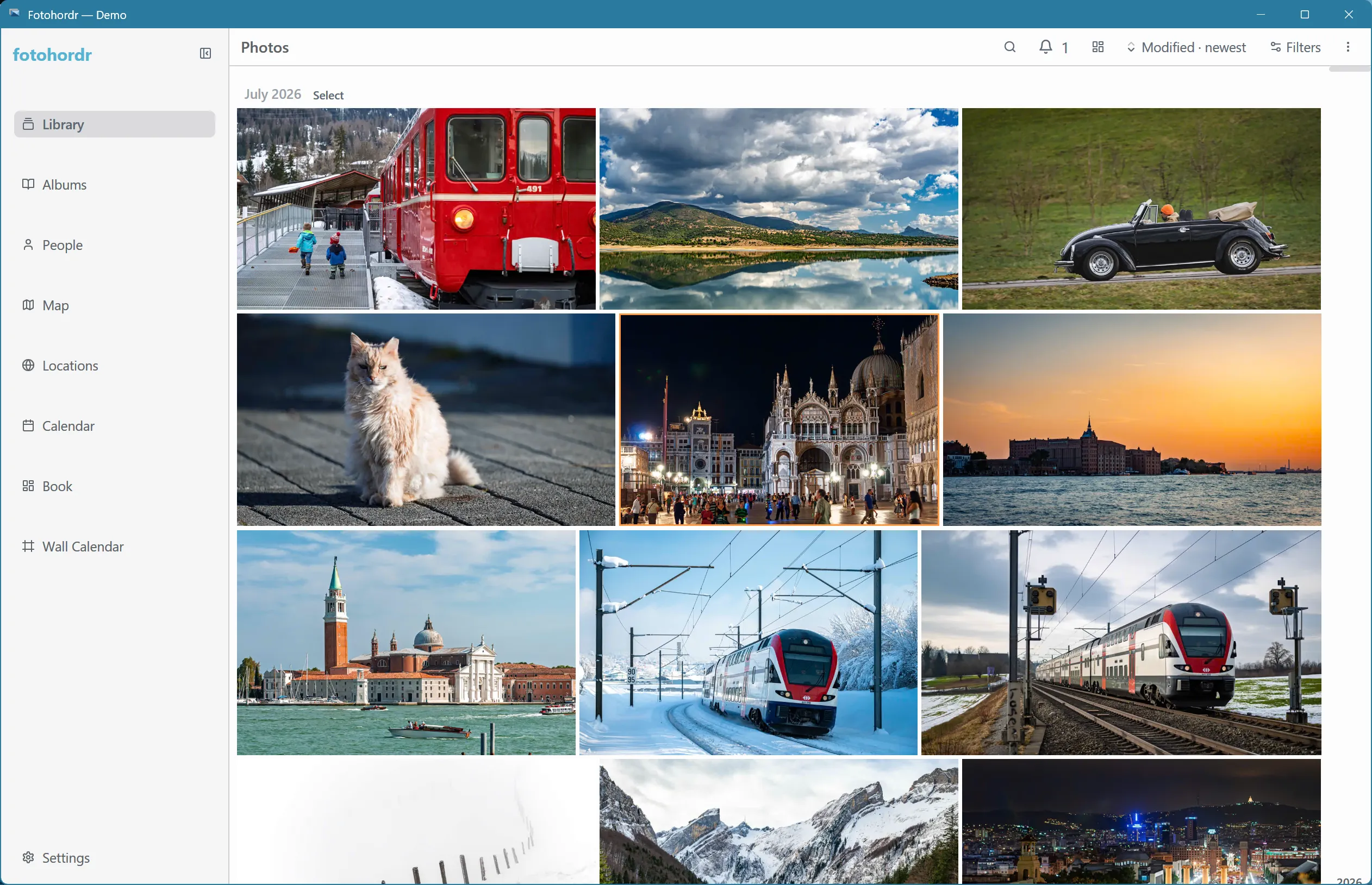
Keyboard and D-pad navigation
Section titled “Keyboard and D-pad navigation”Every grid in the app (Library, Collections, People, Locations) supports keyboard and gamepad/D-pad navigation: arrow keys move a cursor over individual cells, the view scrolls to follow it, and Enter opens whatever’s under the cursor.
Filtering
Section titled “Filtering”Open the filter drawer to narrow the grid by camera, date range, location, people, favorites, and more:
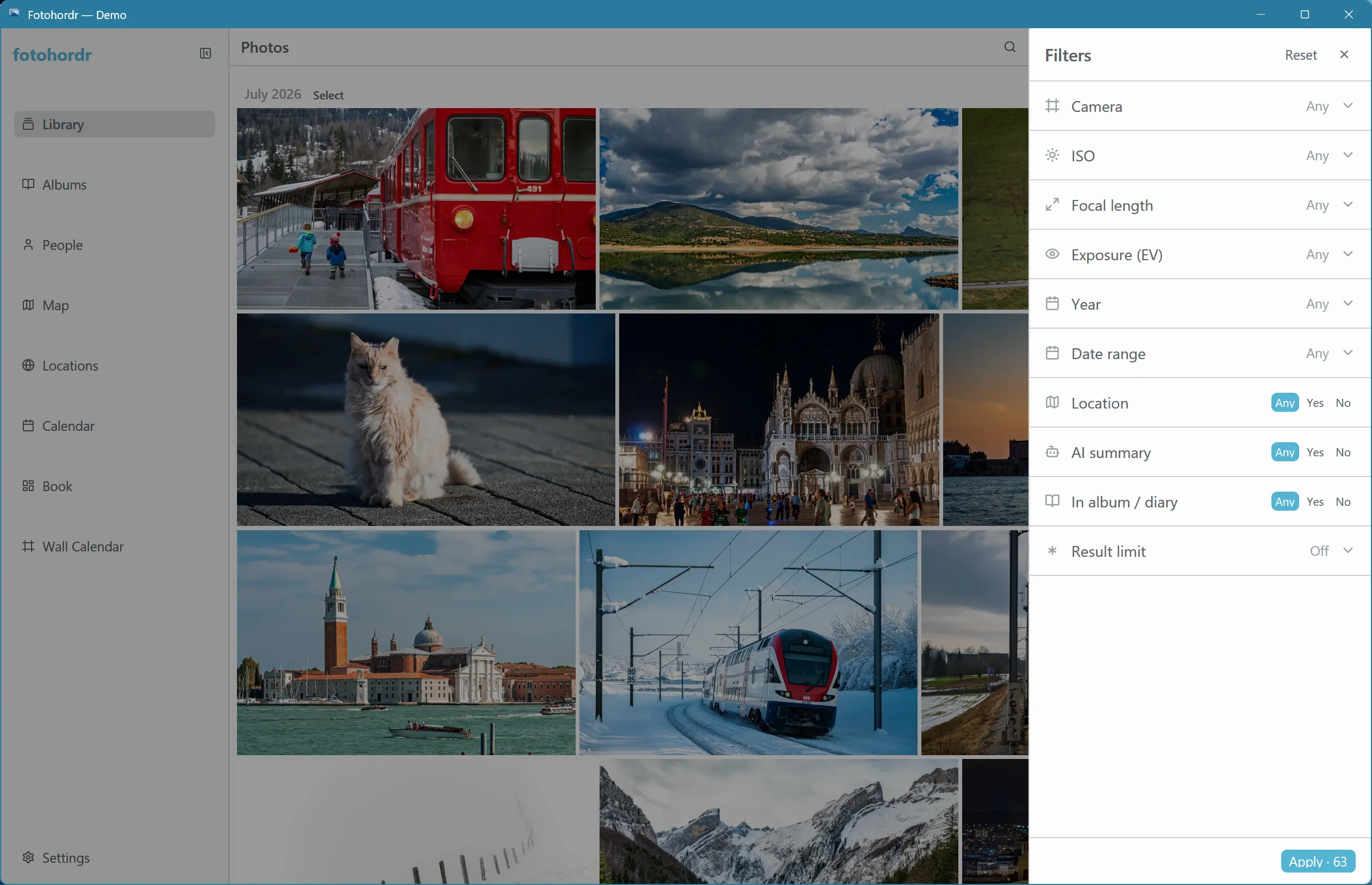
For more advanced, structured filtering — combining several conditions at once — see Search.
Sorting and display options
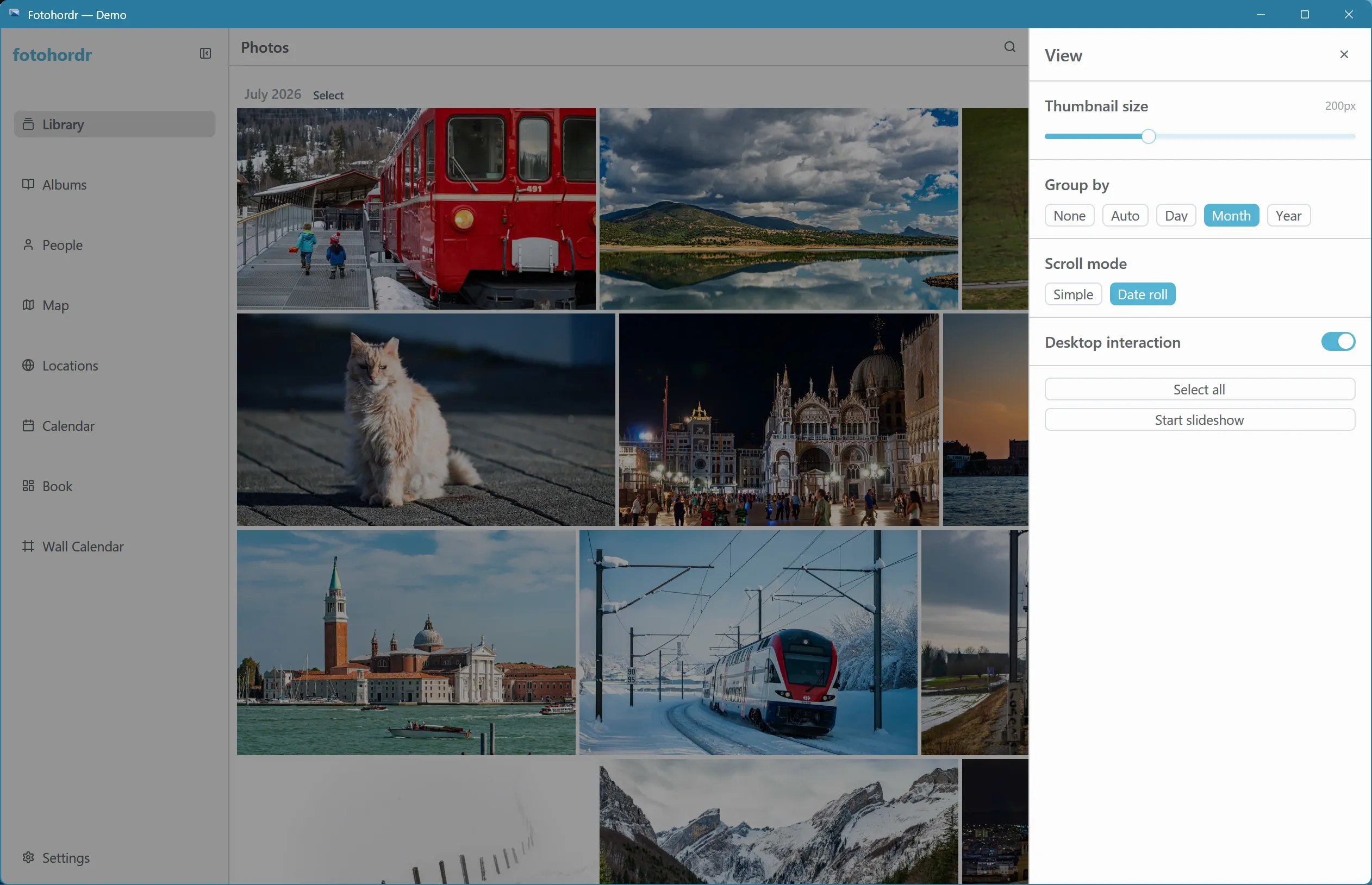
Section titled “Sorting and display options”The display-options drawer controls sort order, grouping, thumbnail size, and what metadata badges appear on each tile:
Opening a photo
Section titled “Opening a photo”Click any photo to open it full-screen — see Viewing Photos for what’s available there.